MilkVault helps nursing parents track every ounce — with smart QR stickers, automatic expiry alerts, and a dashboard that shows the full picture at a glance.
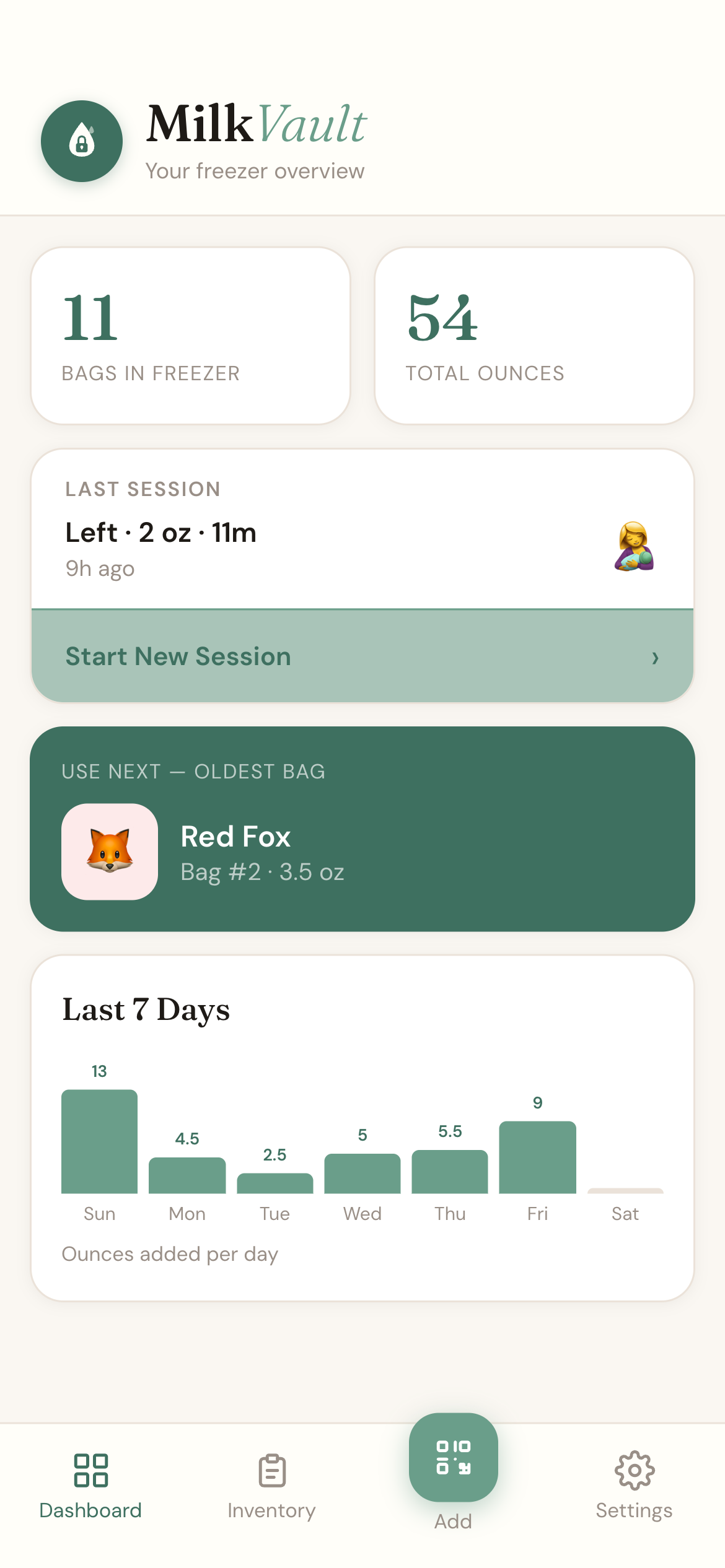
See exactly how many bags you have, total ounces stored, and which bag to use next — all on one screen. The 7-day chart shows your pumping output over time so you can spot trends without doing any math.
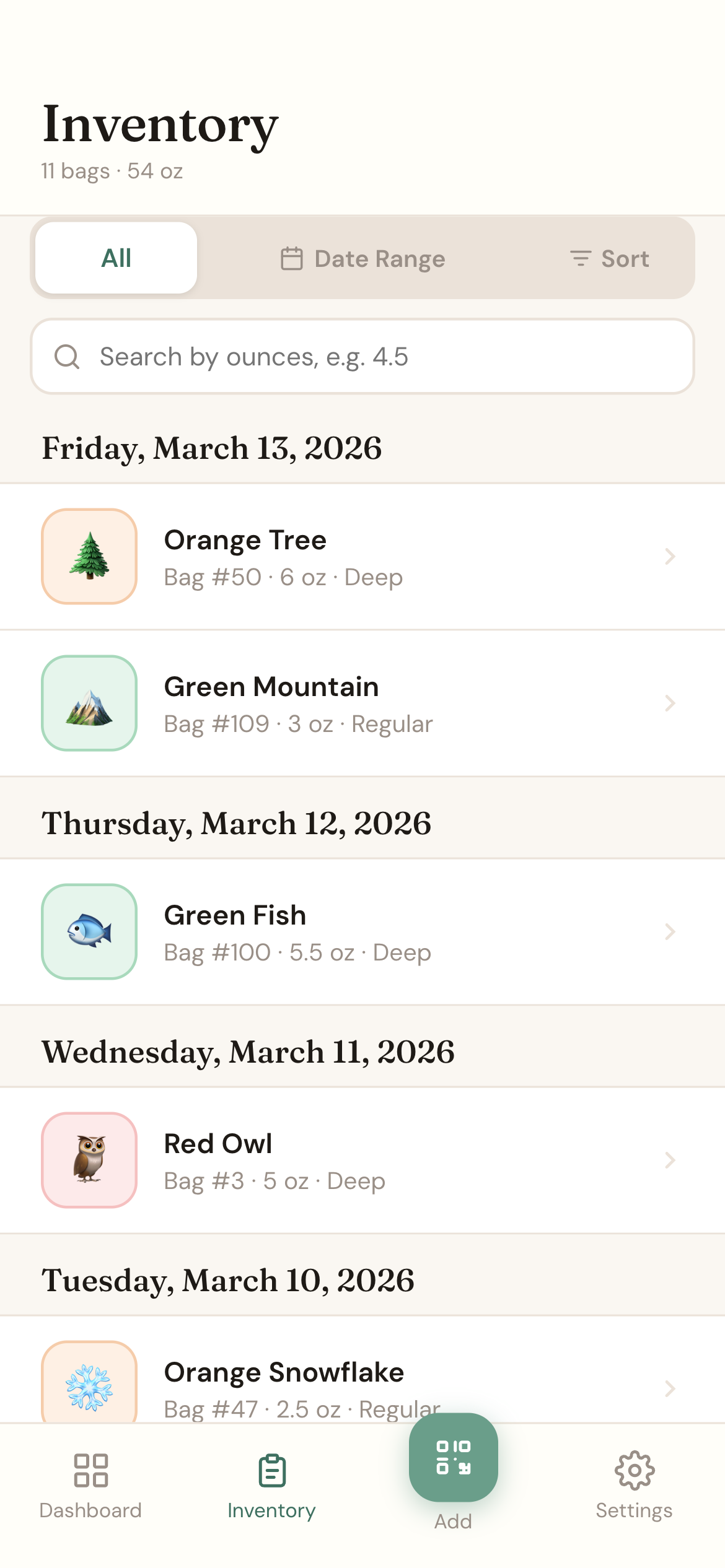
Your full inventory organized by date, each bag identified by its unique color + animal sticker. Tap any bag to see details, mark it as used, or check its expiry status. Search, filter by date range, and sort however you need.
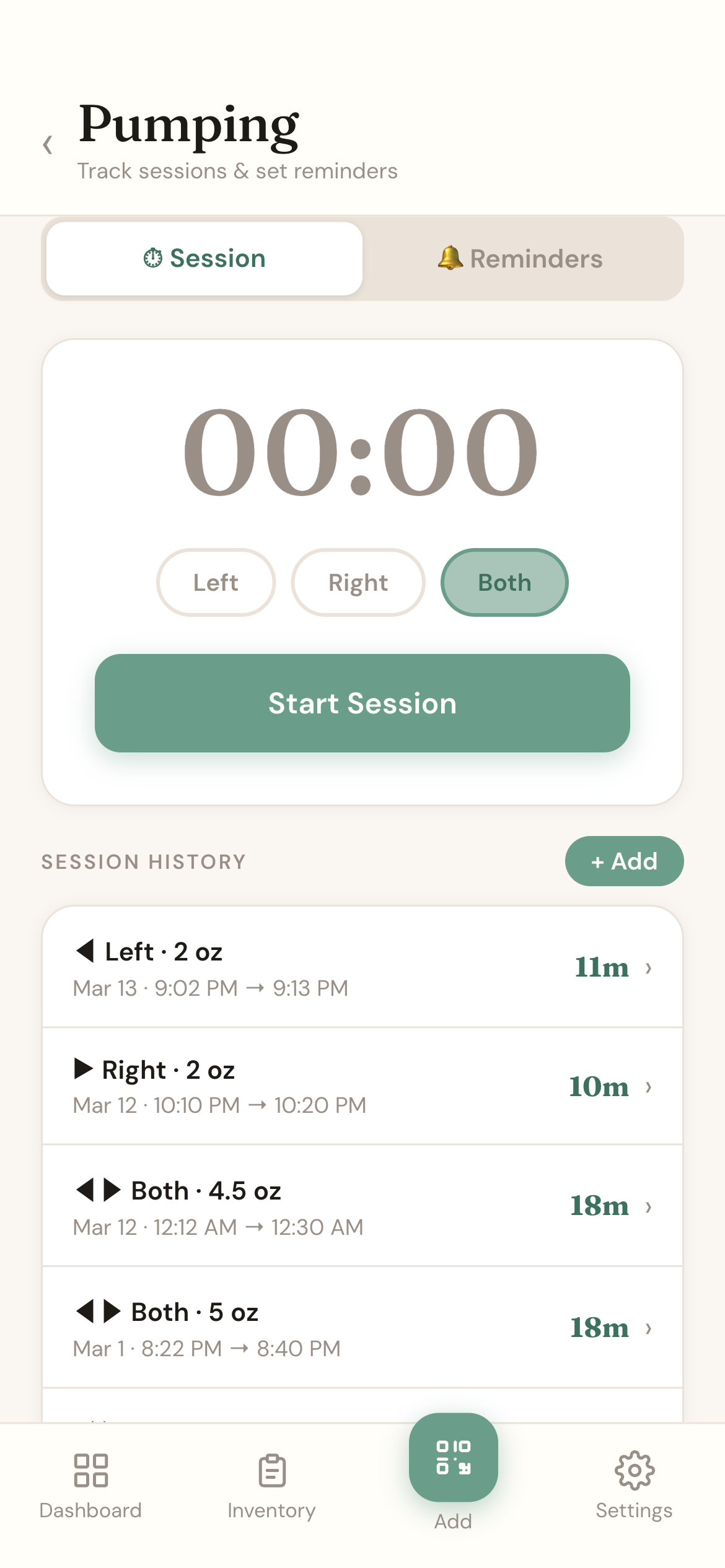
Start a live timer, log which side, and record ounces when you're done. Full session history with start and end times. Add past sessions manually if you forgot to log in the moment. Set reminders so you never miss a scheduled pump.
Each bag gets a unique QR sticker — a color + animal combo. Scan once to log it in seconds. No typing, no confusion.
MilkVault knows the rules for fridge, counter, and deep freezer — and automatically sets the right expiry window for every bag.
Get notified before anything expires so you never toss good milk — or give baby something past its date.
Generate a print-ready PDF of your sticker inventory sized for standard label sheets. Reorder when you're running low.
Built for iPhone. Fast, designed for one-handed use at 2am, and made by a parent who actually needed this.
Your data stays yours. No ads, no selling data. Built with privacy in mind from day one.
Each sheet comes with unique QR codes pre-assigned to color + animal combos. Peel and stick one on every bag.
Open MilkVault, scan the sticker, add volume and storage location. Done in under 10 seconds.
Your inventory stays current automatically. Get alerts before anything expires and see your full freezer at a glance.
Know exactly what you have, where it is, and when to use it. One less thing to worry about.
We're opening TestFlight beta spots to a small group of parents. Submit your email and we'll send you everything you need to get started.
Fill out a quick form with your name and email — that's all we need. We'll send you a welcome email with a link to install the app directly on your iPhone.
iOS only · Requires iPhone with iOS 16+